Logo

Google Ad Manager for WordPress

Set Up in Minutes. No Code. No Developers.

Manage Google Ad Manager ads directly from your WordPress dashboard.
Install Now
Built for Publishers using GAM & AdX
Free Plan Available
3-min Setup
Zero Developer Cost

The Problem We’re Solving

Google Ad Manager is powerful. Running it cleanly on WordPress is the real challenge.

Publishers Lose Control

Too many moving parts working against each other

  • Small changes ripple across the entire stack
  • Ad behavior becomes unpredictable

Operations Don’t Scale

Every change feels heavier than it should

  • Repeated developer involvement
  • Slow testing for simple updates

Mobile Is the Blind Spot

What works on desktop breaks elsewhere

  • Ads load but don’t render correctly
  • Size mismatches across devices

What This Means

Over time, WordPress ad setups become fragile. Publishers spend more time debugging ads than improving performance.

GAM ADS is built to simplify running ads on WordPress

It lets publishers manage Google Ad Manager ads directly from their WordPress dashboard, without manually adding ad code or touching theme files.

How It Works

Step
01

Install the Plugin

Add the GAM Connect plugin to WordPress and activate it in seconds.
Step
02

Connect GAM

Securely connect your Google Ad Manager account.

Step
03

Import Ad Units

Automatically pull in your ad units from GAM.

Step
04

Manage & Optimize

Control and optimize ad performance directly from WordPress.

Key Benefits

Integration Made Easy

Connect Google Ad Manager to Wordpress in minutes - no code required.

Real-Time Visibility

See which ads are active, paused, or expired instantly.

Create & Manage Ads

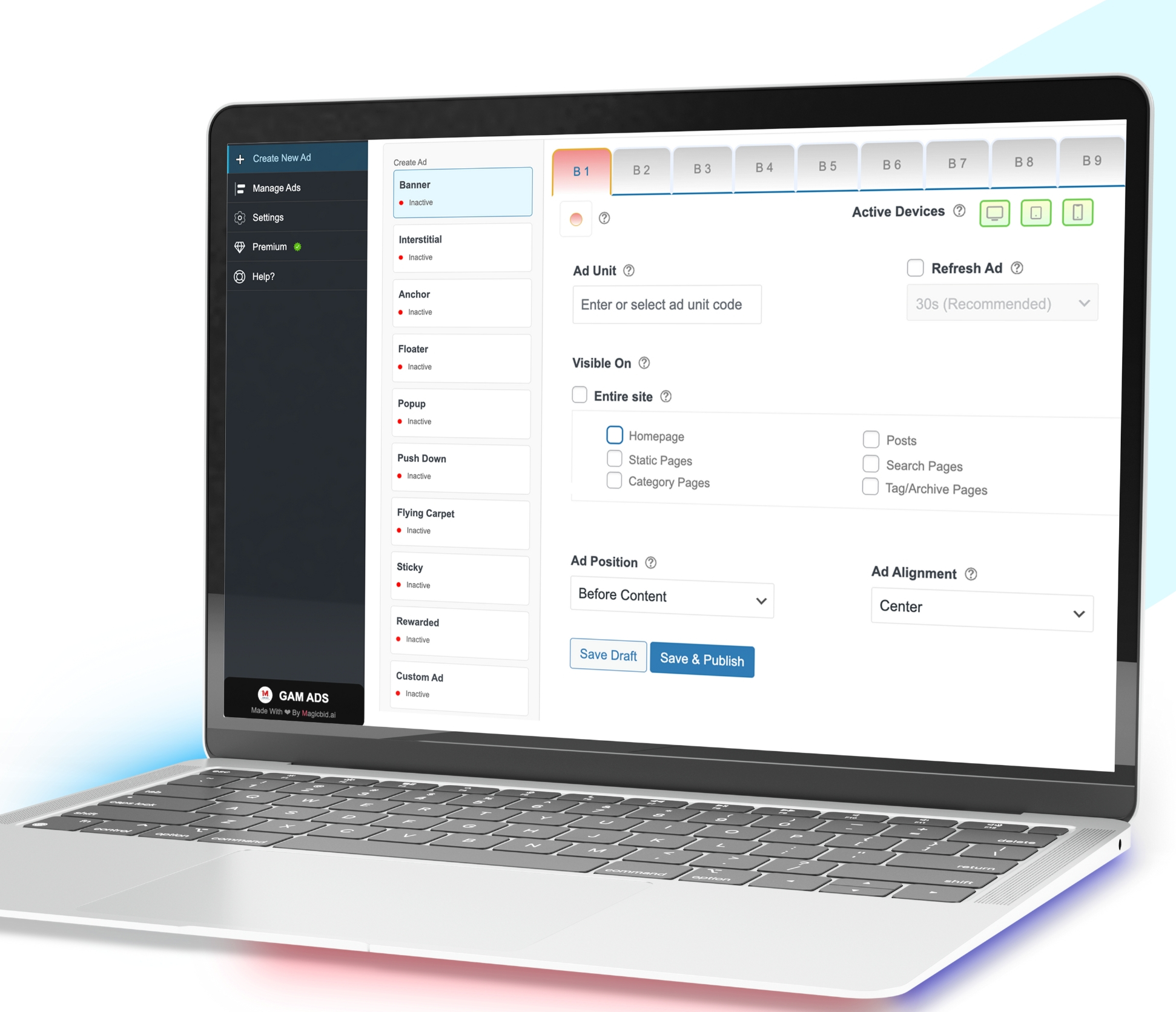
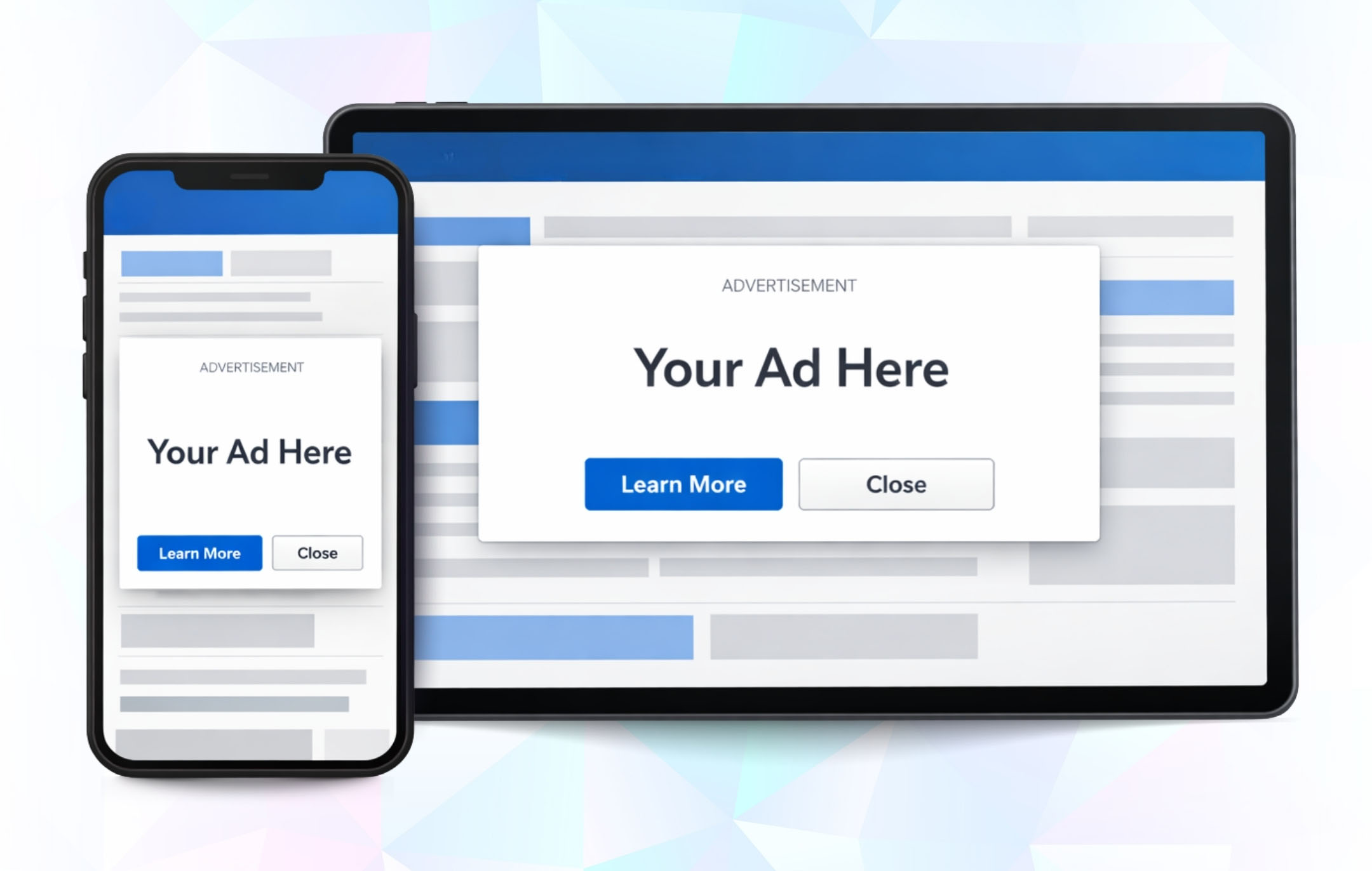
Setup banners, sticky, video and interstitial ads in just a few clicks.

Scales With Your Needs

Start free and unlock advanced features anytime with the premium plan.

Smart Placement

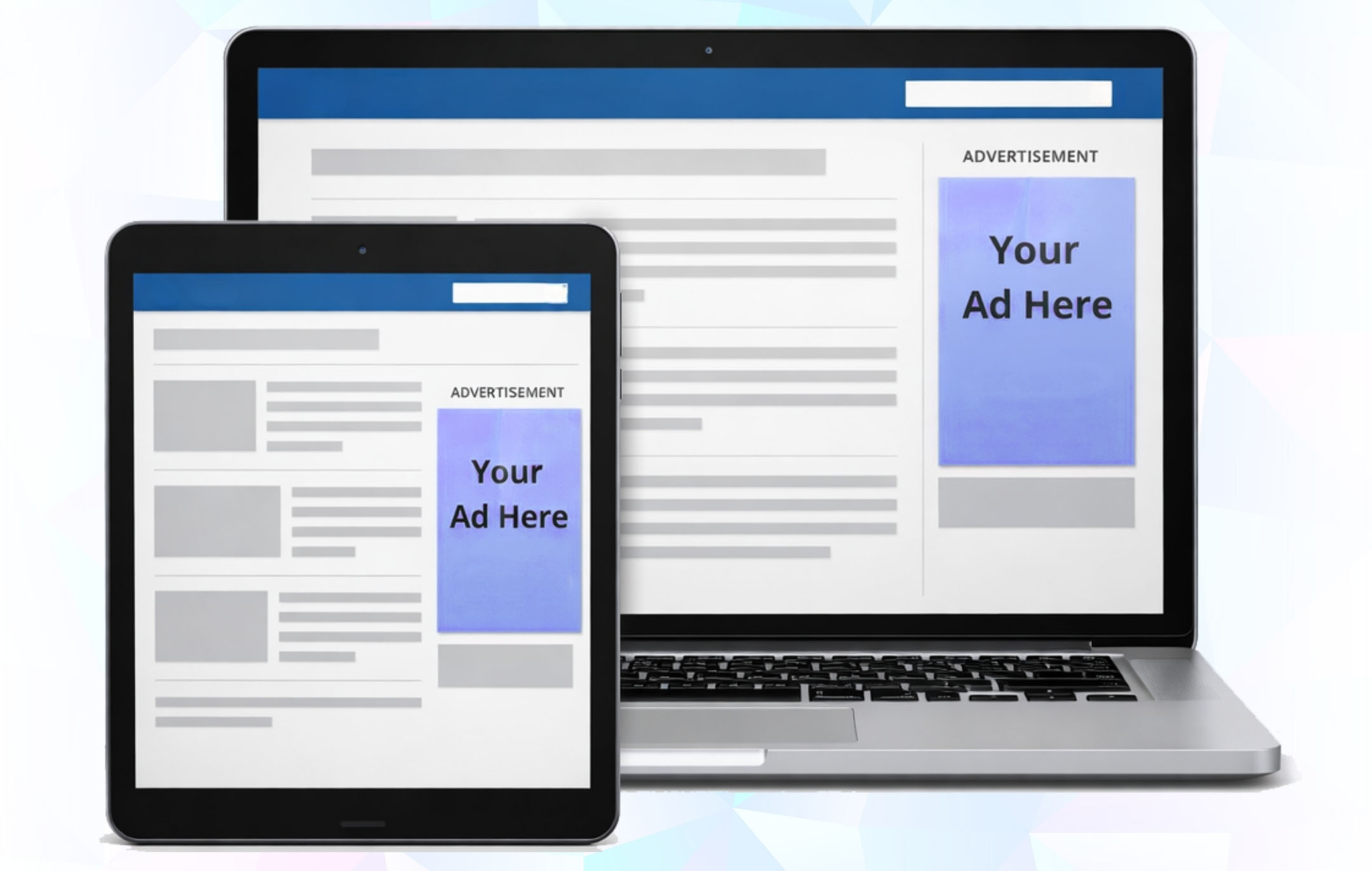
Ads adapts across devices with no empty spaces and layout.
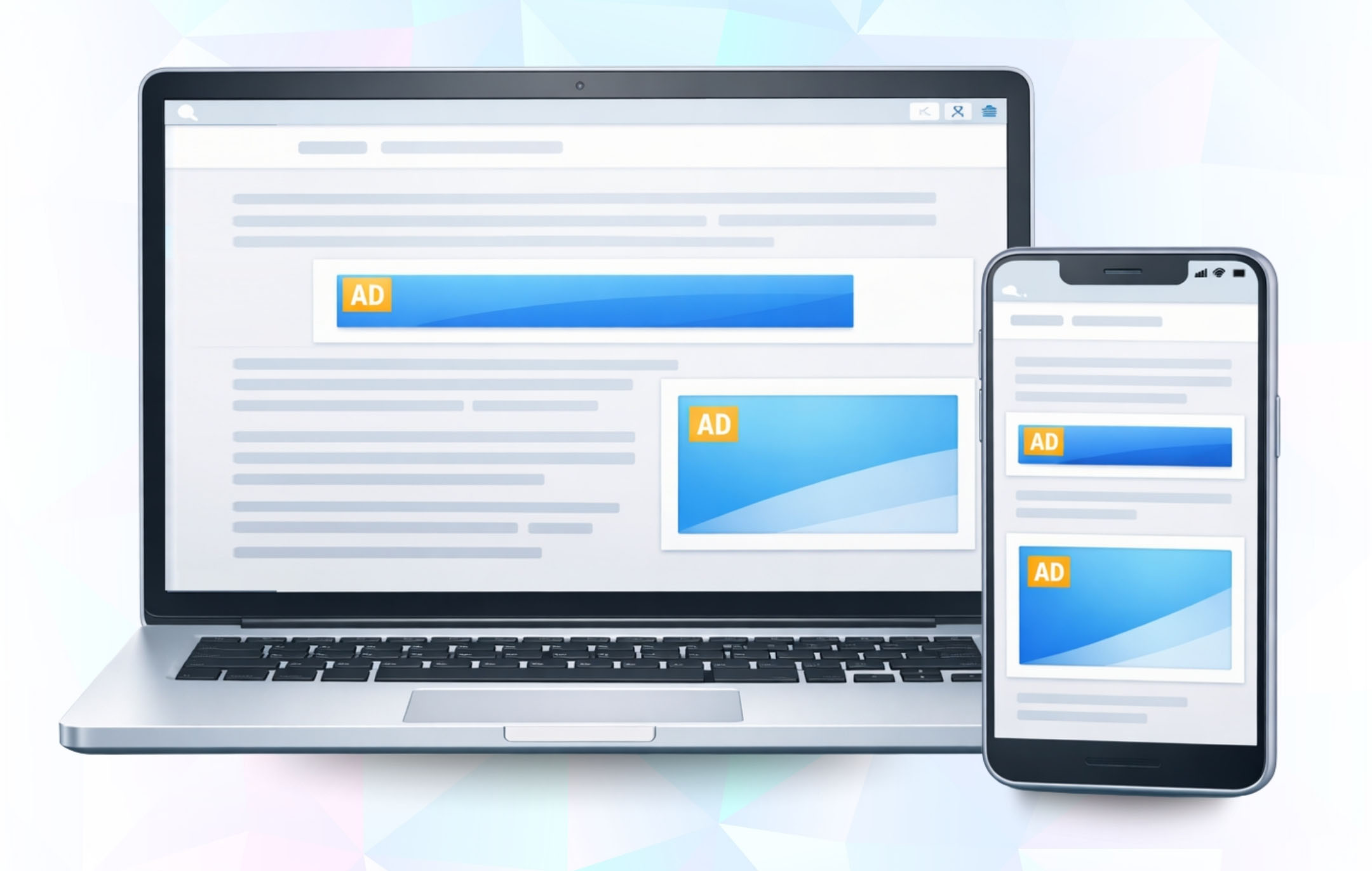
Supported Ad Formats

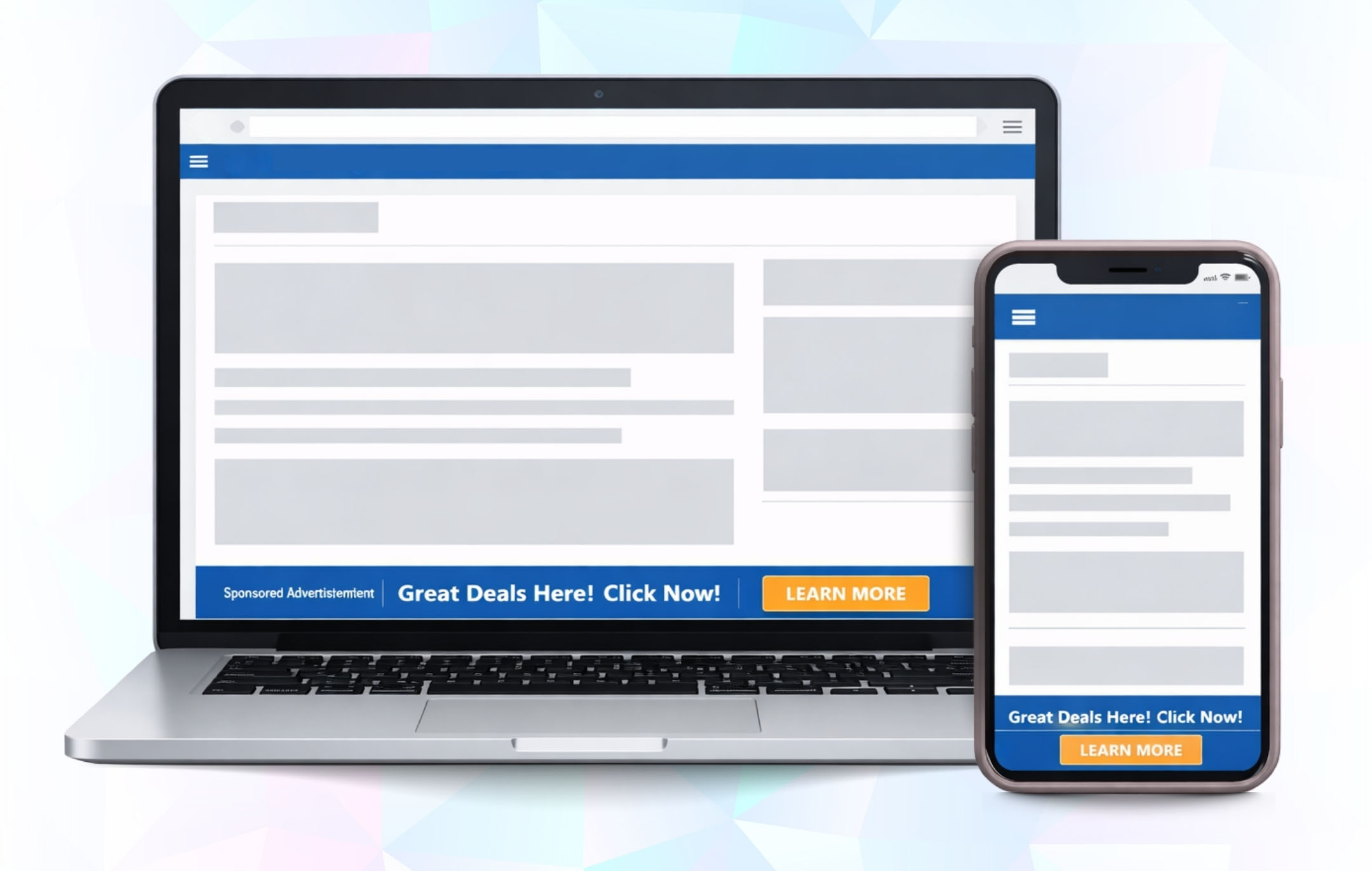
Banner Ads

Standard banner ads placed exactly where you want no code, no theme edits.

  • Auto-adjusts sizes per device
  • No layout shifts or empty gaps
  • Safe refresh logic
  • Works with all page builders
Best for: Blogs, articles, high-traffic pages

See it in action

Watch How GAM Connect Works

Install Arrow Connect Arrow Create Arrow Publish
FOR HIGH-TRAFFIC PUBLISHERS

500k+ Monthly visits on your site?

You may qualify for Pro access at no cost.

See if you qualify →

Choose Your Plan

Explore flexible plans designed to match your needs. Get started with essential features for free or unlock advanced tools to maximize your growth.

Free

Everything you need to get started with ads – essential formats and core features.

Free


ADS

  • Banner Ads
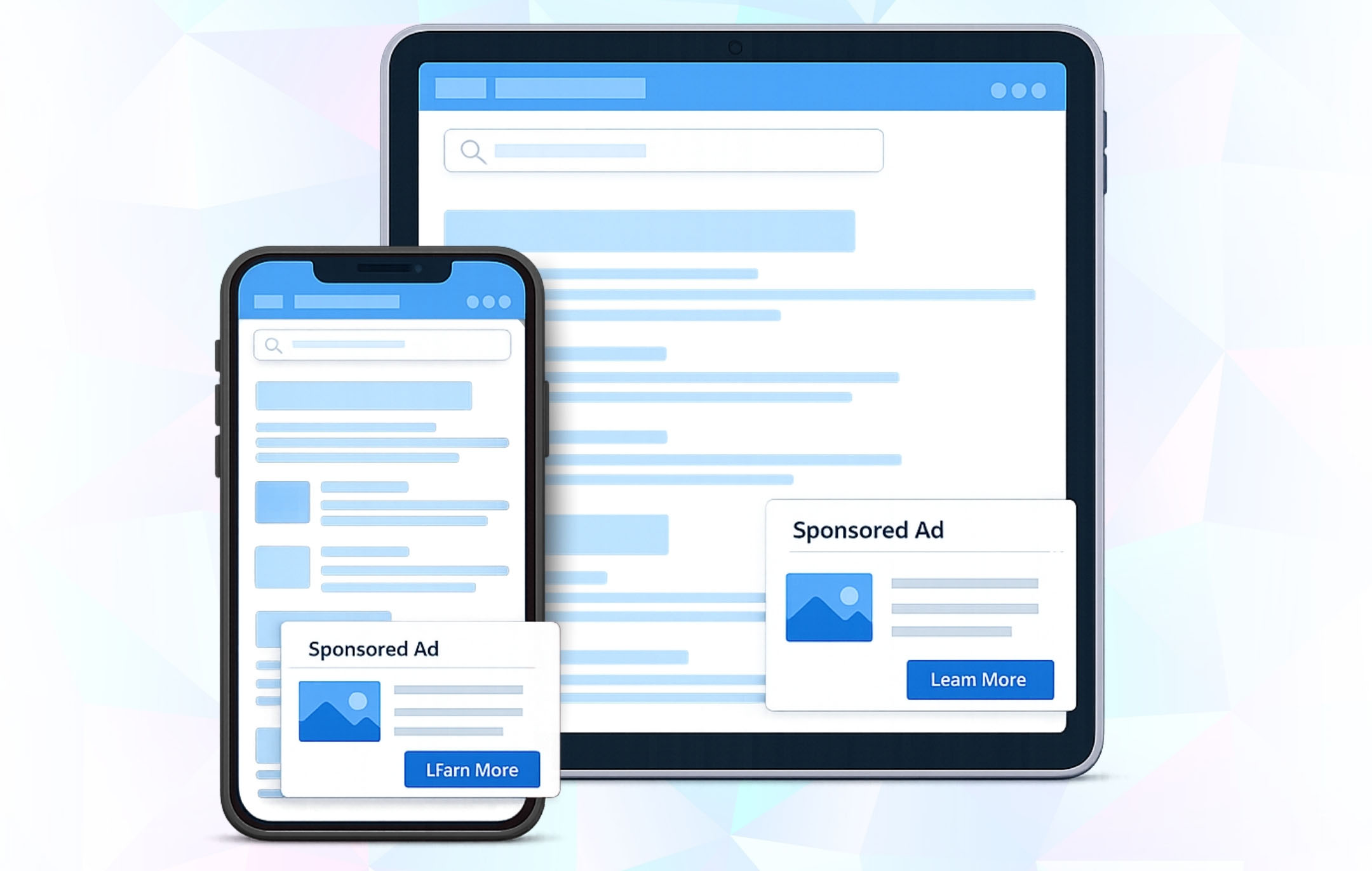
  • Interstitial Ads
  • Anchor Ads
  • Floating Ads

FEATURES

  • Responsive Ad Sizes
  • Built-in Placements
  • Device-Based Targeting
  • Custom Code Integration

Monthly

Unlock all advanced ad formats and powerful features for maximum revenue growth.

$25/Month


ADS

  • Banner Ads
  • Interstitial Ads
  • Anchor Ads
  • Floating Ads
  • Popup Ads
  • Push-Down Ads
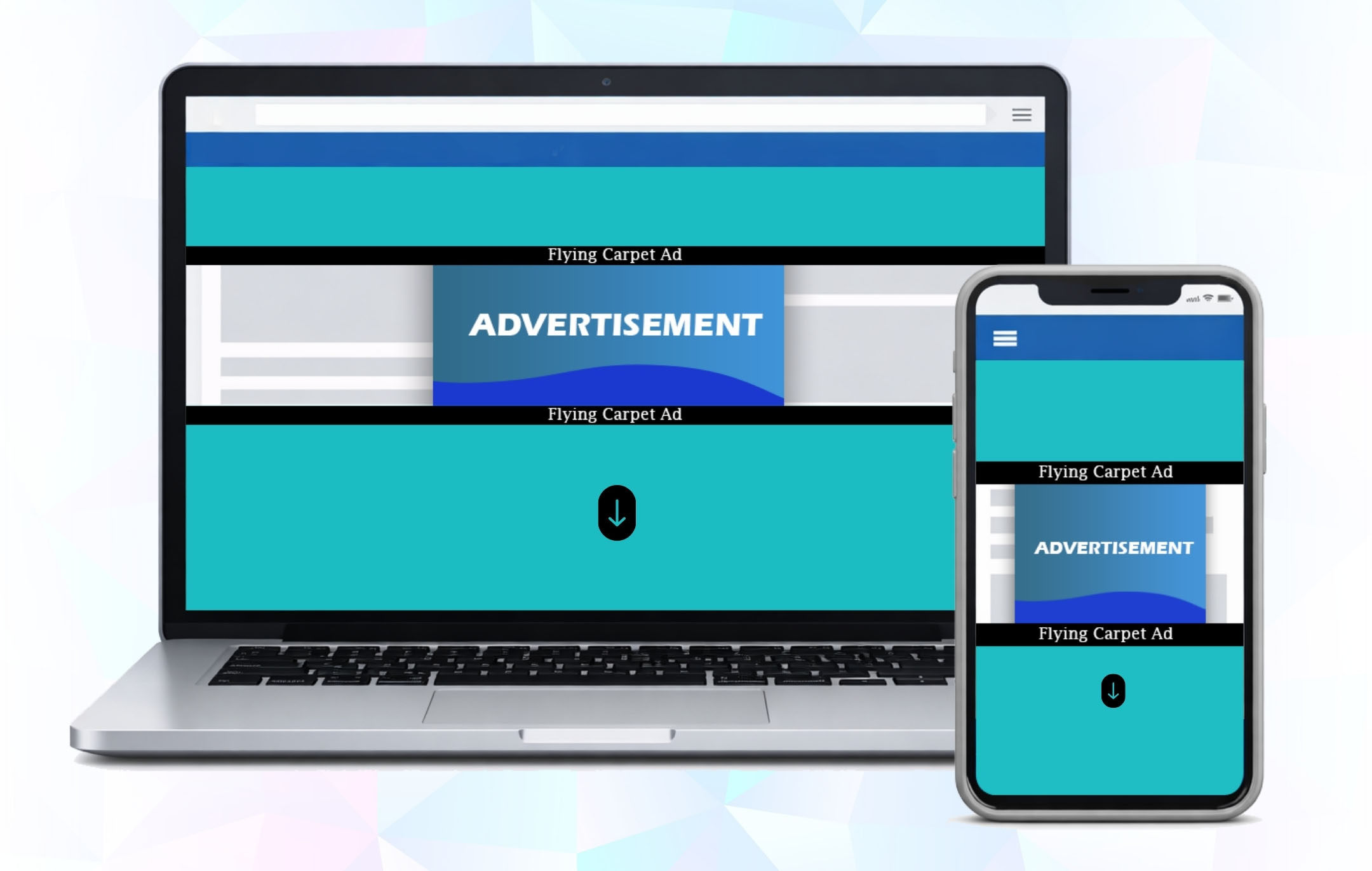
  • Flying Carpet Ads
  • Sticky Ads
  • Rewarded Ads

FEATURES

  • Responsive Ad Sizes
  • Built-in Placements
  • Device-Based Targeting
  • Auto Ad Refreshing
  • Enhanced Visibility Tools
  • Banner Labeling
  • Custom Code Integration
  • Priority Support

Annually

Unlock all advanced ad formats and powerful features for maximum revenue growth.

$250/Year


ADS

  • Banner Ads
  • Interstitial Ads
  • Anchor Ads
  • Floating Ads
  • Popup Ads
  • Push-Down Ads
  • Flying Carpet Ads
  • Sticky Ads
  • Rewarded Ads

FEATURES

  • Responsive Ad Sizes
  • Built-in Placements
  • Device-Based Targeting
  • Auto Ad Refreshing
  • Enhanced Visibility Tools
  • Banner Labeling
  • Custom Code Integration
  • Priority Support

Top Features

Everything you need to run GAM ads on WordPress.
Code-free Ad placement

Place ad units without touching code.
Automatic Ad code handling

Ad scripts load automatically.

Bulk Ad Unit import

Import all Gam ad units at once.

Responsive Ad Sizes

Ads adjust to every screen size.

Device-Based targeting

Show or hide ads by device-type.

Placement Control

Control ads by page and layout.

Auto Ad Refresh

Refresh Ads automatically.

Smart Ad Collapsing

Hide empty ad slots automatically.

GAM & GAM 360 support

Works with all GAM setups.

Advanced Ads Integration

Works with dynamic & cached pages.

Don't miss any updates!

Get the latest directly to your inbox
Unsubscribe at any time.

Frequently Asked Questions

AdX GAM Connect is a WordPress plugin that integrates your site directly with Google Ad Manager (AdX). It allows you to create and manage multiple ad formats, place them across your site, and track performance all from inside WordPress.

To run the plugin, you’ll need:

  • WordPress 5.5 or higher
  • PHP 7.4 or higher
  • MySQL 5.7 or higher
  • An active Google Ad Manager (AdX) account with API access enabled
Yes. A valid Google Ad Manager account is required to connect and serve ads through the plugin. Without it, you cannot import or manage ad units.
Absolutely. The plugin is designed for non-developers. Installation and setup are done through the WordPress dashboard with just a few clicks.

You can install the plugin in two ways:

  • From Dashboard: Go to Plugins → Add New → Upload Plugin, select the plugin .zip file, click Install Now, then Activate.
  • Via FTP: Upload the extracted plugin folder to /wp-content/plugins/, then activate it from the WordPress dashboard.

After activating the plugin:

  • Go to AdX GAM Connect → Settings.
  • Click Connect Google Ad Manager.
  • Log in with your Google account linked to GAM.
  • Copy the authorization code provided.
  • Paste the code into the plugin and click Save & Get Token.
  • Once connected, you’ll see “Connected to Google Ad Manager.”
Go to Settings in the plugin, select the new Google account or GAM network, and save the changes. The plugin will then pull ad units from the new account.
You can create banner ads, interstitials, anchor ads, floater ads, sticky units, popups, and video ads all managed from within WordPress.
Yes. Ad units must first be created in your Google Ad Manager account. Once available, they can be selected from the dropdown inside the plugin.
Yes. When creating ads, you can enable the Responsive option. This ensures ad units adjust automatically to fit desktop, tablet, and mobile screen sizes.
Yes. During ad setup, you can choose Entire Site to display everywhere or restrict delivery to selected posts, pages, or categories.
You can set ads to appear above or below content, in sidebars, or as sticky placements. Alignment options include left, right, or center, depending on your site layout.
From the Manage Ads section in the plugin, you can enable or disable ads with a single click.
Yes. Ads can be edited, updated, or deleted at any time from the Manage Ads dashboard.
All active and saved ads appear in the Manage Ads section. From here, you can review details, adjust settings, or remove ads.

Common reasons include:

  • The ad unit hasn’t been approved or trafficked in GAM.
  • Page caching is delaying updates.
  • An ad blocker is hiding the unit.
  • The placement or targeting rules don’t match your page.

Try clearing cache, disabling ad blockers, and verifying GAM settings.

Go to Settings in the plugin. If the connection is active, you’ll see a message: “Connected to Google Ad Manager.” If not, reconnect using your Google account and token.
This usually means the ad unit hasn’t been created in Google Ad Manager yet, or the selected GAM account/network doesn’t have access to it. Double-check that the ad unit exists in GAM and you’re connected to the correct account.

What Our Clients Say

"The premium plan is a game changer. Auto-refresh and advanced ad formats instantly boosted my impressions and revenue."

Daniel Carter

Founder of MediaTech Labs

"I love how simple the integration was. Just API credentials and everything synced with Google Ad Manager automatically."

Sofia Alvarez

Digital Marketer

"The support team was incredible. Anytime I had a question, they responded quickly and helped me maximize the plugin’s potential."

James Lee

Tech Blogger

"Finally, a plugin that doesn’t just connect but actually optimizes. Real-time control over ad status is a huge plus."

Ritu Sharma

Independent Publisher

"GAM Connect made ad management effortless. Within minutes, I had my first ads running without touching a single line of code."

Priya Menon

Blogger & WordPress Publisher

Get in Touch

Have questions or need help? Contact our team — we respond quickly.
Email Us

Send Us a Message